Red Barn, Kalispell, Montana
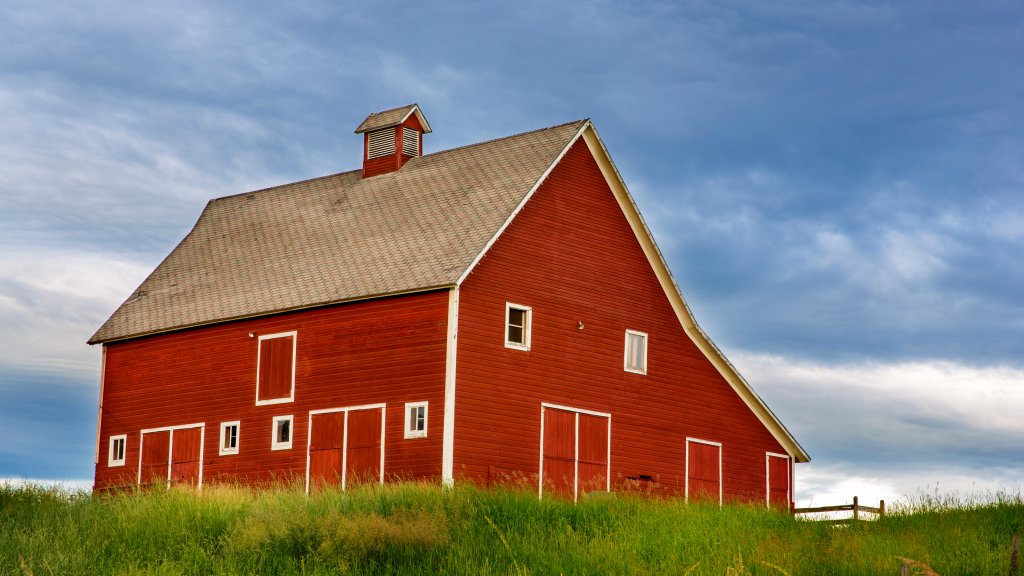
Sign in to add this photo to your favorites and desktop wallpaper rotation.
Kalispell is a city located in the northwestern part of Montana, United States. It serves as the county seat of Flathead County and is a key commercial and cultural hub for the region. Nestled in the Flathead Valley, Kalispell is surrounded by stunning natural landscapes, including the Rocky Mountains and numerous lakes, making it a popular destination for outdoor enthusiasts. The city is in close proximity to several notable attractions, such as Glacier National Park, which is renowned for its breathtaking scenery and diverse wildlife. Flathead Lake, one of the largest natural freshwater lakes in the western United States, is also nearby and offers opportunities for boating, fishing, and other water activities. Kalispell has a rich history, with its founding dating back to the late 19th century. It has grown steadily over the years and now features a mix of historic and modern architecture. The downtown area is known for its charming shops, restaurants, and cultural venues, including the Hockaday Museum of Art and the Conrad Mansion Museum. The economy of Kalispell is diverse, with sectors such as healthcare, education, retail, and tourism playing significant roles. The city is home to several educational institutions, including Flathead Valley Community College. Kalispell experiences a continental climate, characterized by cold winters and warm summers. The surrounding natural beauty and recreational opportunities, combined with a friendly community atmosphere, make Kalispell an attractive place to live and visit.