North Avoca Beach, Australia
Sign in to add this photo to your favorites and desktop wallpaper rotation.
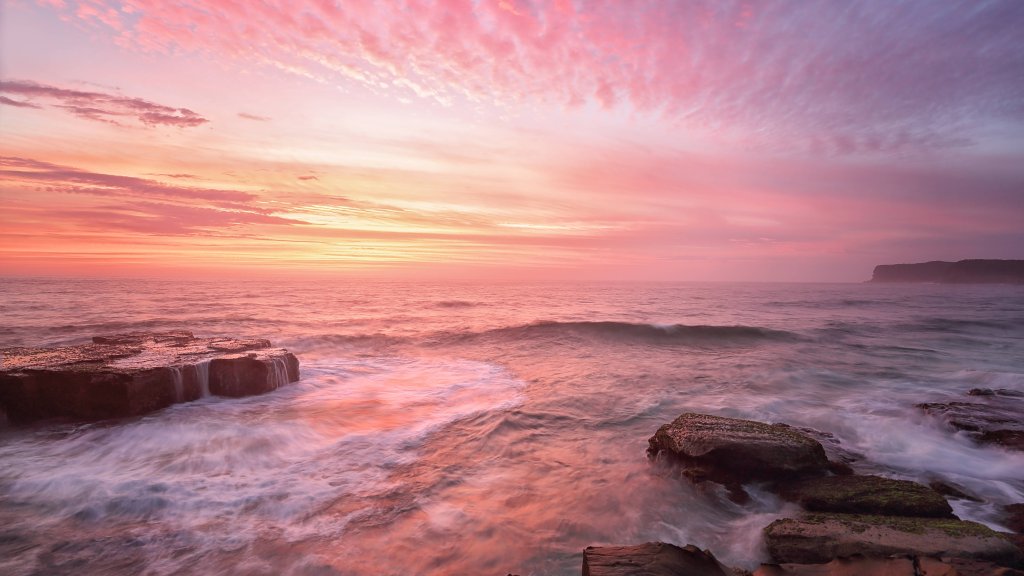
North Avoca Beach is a picturesque coastal suburb located on the Central Coast of New South Wales, Australia. It is situated approximately 95 kilometers north of Sydney, making it a popular destination for both locals and tourists seeking a beachside escape from the city. The beach is known for its golden sands, clear waters, and excellent surfing conditions, attracting surfers of all skill levels. The area surrounding North Avoca Beach is characterized by its natural beauty, with lush greenery and scenic views. The beach itself is patrolled by lifeguards during the peak season, ensuring a safe environment for swimmers and families. In addition to surfing and swimming, visitors can enjoy activities such as fishing, beach walks, and picnicking. North Avoca is primarily a residential area, offering a relaxed and laid-back lifestyle. The community is close-knit, with a small selection of local shops, cafes, and restaurants providing essential services and dining options. For more extensive shopping and entertainment, the nearby town of Terrigal offers a wider range of amenities. The suburb is also close to several other attractions on the Central Coast, including national parks, hiking trails, and other beautiful beaches. This makes North Avoca Beach an ideal base for exploring the region's natural wonders and enjoying outdoor activities. Overall, North Avoca Beach is a charming destination that offers a perfect blend of relaxation and adventure in a stunning coastal setting.