Stingray Beach, New Zealand
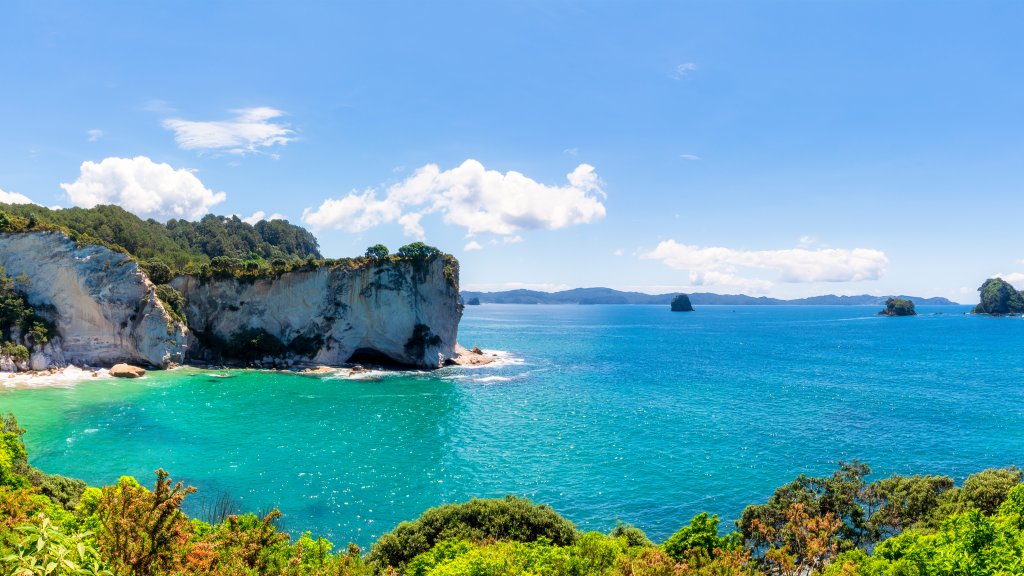
Stingray Beach, New Zealand - desktop wallpaper

Sign in to add this photo to your favorites and desktop wallpaper rotation.

Stingray Beach, located in New Zealand, is not a widely recognized tourist destination like some of the country's more famous beaches. However, it is known for its unique marine life, particularly the presence of stingrays. Visitors to the area often have the opportunity to observe these fascinating creatures in their natural habitat. The beach offers a serene and picturesque environment, characterized by its clear waters and scenic coastal views. It's a great spot for those interested in marine biology or simply looking to enjoy a peaceful day by the sea. As with any location where wildlife is present, it's important for visitors to respect the natural environment and maintain a safe distance from the animals. If you're planning a visit, it's advisable to check local resources for any specific guidelines or recommendations regarding interactions with marine life.


How to Set as Desktop Wallpaper

Download this photo and set it as your desktop background in seconds. Works on Windows and Mac.

Windows 11

  1. Right-click the image above and choose Save image as…
  2. Open Settings → Personalization → Background.
  3. Under Personalize your background, select Picture.
  4. Click Browse photos and pick the downloaded file.

Windows 10

  1. Right-click the image above and choose Save image as…
  2. Right-click the saved file and select Set as desktop background.
  3. Or open Settings → Personalization → Background and browse to the file.

macOS

  1. Control-click the image above and choose Save Image As…
  2. Open System Settings → Wallpaper (or System Preferences → Desktop & Screen Saver on older macOS).
  3. Click Add Photo and select the downloaded file.

Prefer one-click install and automatic rotation? Download the free Webshots app for Windows and Mac.


Browse All Wallpaper Categories