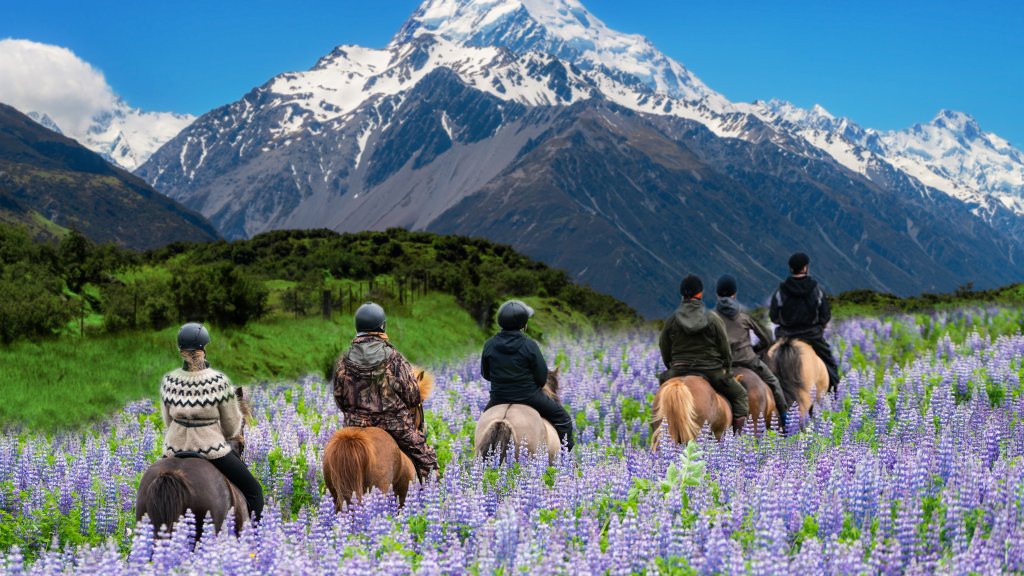
Lupine Flower Field, Mt Cook National Park, NZ
Sign in to add this photo to your favorites and desktop wallpaper rotation.
A lupine flower field in Mt Cook National Park, New Zealand, is a stunning natural attraction known for its vibrant and colorful displays of lupine flowers. These flowers typically bloom from late November to early January, transforming the landscape into a sea of purples, pinks, blues, and whites. The fields are set against the dramatic backdrop of the Southern Alps, with Aoraki/Mt Cook, New Zealand's highest peak, providing a majestic view. The lupines, although not native to New Zealand, have become an iconic part of the region's scenery. They were introduced in the mid-20th century and have since thrived in the area's conditions. Visitors to the park can enjoy the fields by taking walks along the trails, capturing photographs, or simply soaking in the natural beauty. Mt Cook National Park itself is a UNESCO World Heritage site, offering a range of outdoor activities such as hiking, mountaineering, and stargazing, thanks to its clear night skies. The combination of the lupine fields and the park's other natural attractions make it a popular destination for nature lovers and photographers.