Torres del Paine National Park, Chile
Sign in to add this photo to your favorites and desktop wallpaper rotation.
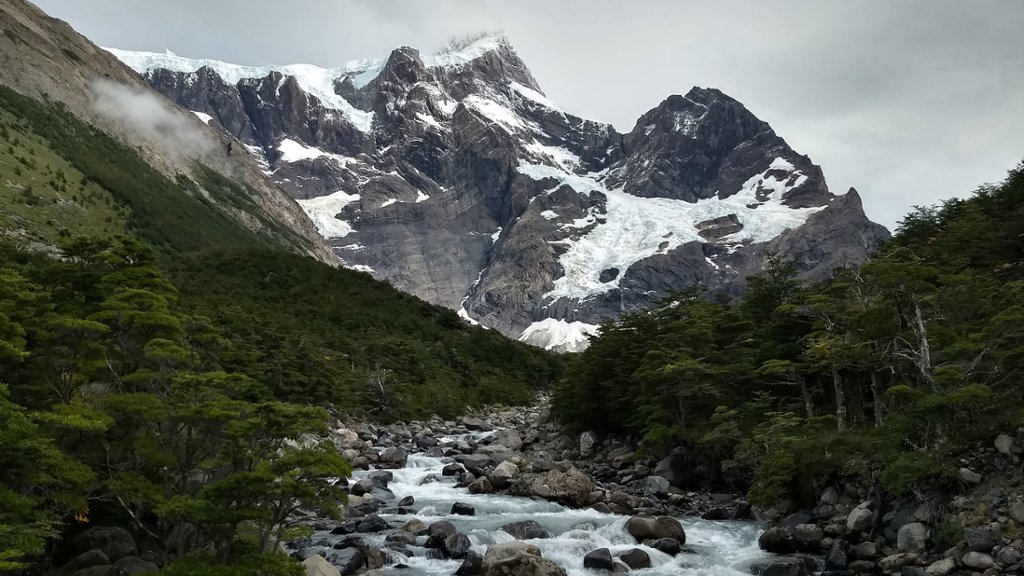
Torres del Paine National Park is a stunningly beautiful national park located in the southern region of Chile. It is known for its rugged mountains, pristine lakes, glaciers, and diverse wildlife. The park covers an area of over 181,000 hectares and is part of the broader Patagonian region. One of the most iconic features of the park is the towering granite peaks known as the Torres del Paine, which rise dramatically above the surrounding landscape. The park is also home to the famous Cuernos del Paine, a group of jagged peaks that are equally impressive. The park offers a wide range of outdoor activities for visitors to enjoy, including hiking, camping, fishing, and wildlife watching. There are numerous well-marked trails that lead to some of the park's most beautiful viewpoints, as well as opportunities for guided tours and horseback riding. Wildlife in the park includes guanacos, foxes, pumas, and a variety of bird species. The park is also home to several glaciers, including the Grey Glacier, which is one of the park's most popular attractions. Torres del Paine National Park is a UNESCO Biosphere Reserve and is considered one of the most beautiful national parks in the world. It is a must-visit destination for nature lovers and outdoor enthusiasts looking to experience the pristine beauty of Patagonia.