Yellowstone National Park, Wyoming
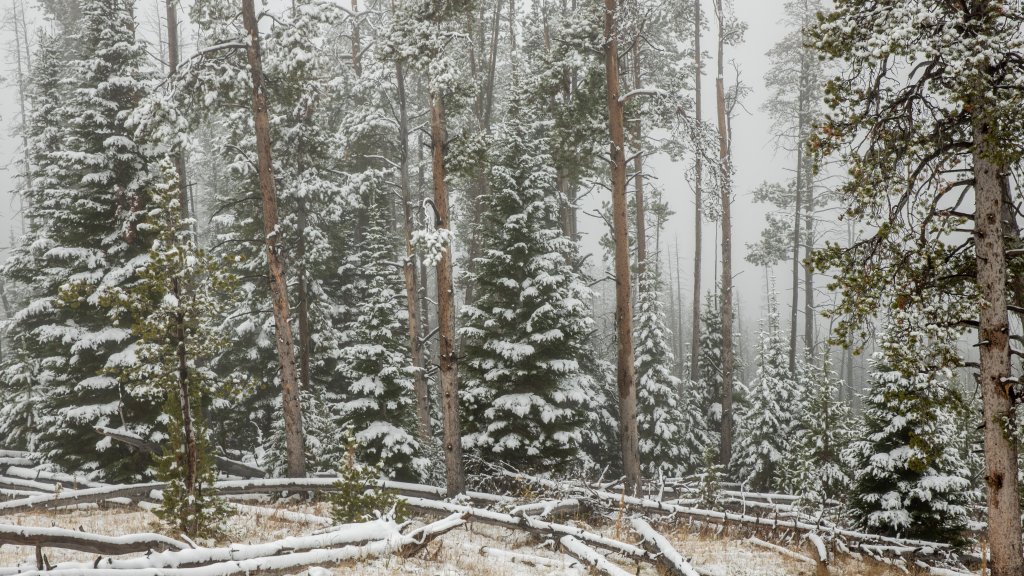
Sign in to add this photo to your favorites and desktop wallpaper rotation.
Yellowstone National Park, located primarily in the U.S. state of Wyoming, is renowned for its stunning natural beauty and geothermal features. Established in 1872, it holds the distinction of being the first national park in the world. The park covers an area of approximately 3,500 square miles, extending into Montana and Idaho as well. One of Yellowstone's most famous features is the Old Faithful geyser, known for its regular eruptions. The park is home to more than half of the world's geysers and numerous hot springs, fumaroles, and mud pots, making it a hotspot for geothermal activity. The vibrant colors of the Grand Prismatic Spring, the largest hot spring in the United States, are another major attraction. Yellowstone is also a haven for wildlife, with species such as grizzly bears, wolves, bison, and elk inhabiting the park. The Lamar Valley is particularly noted for wildlife viewing. The park's diverse ecosystems include forests, grasslands, and alpine regions, providing habitats for a wide range of flora and fauna. The Yellowstone River, which flows through the park, features the dramatic Yellowstone Falls and the Grand Canyon of the Yellowstone, offering breathtaking views and hiking opportunities. The park's vast wilderness and scenic beauty attract millions of visitors each year, who come to enjoy activities such as hiking, camping, fishing, and wildlife watching. Yellowstone's unique geological and ecological features, combined with its historical significance, make it a treasured natural landmark and a symbol of conservation efforts worldwide.