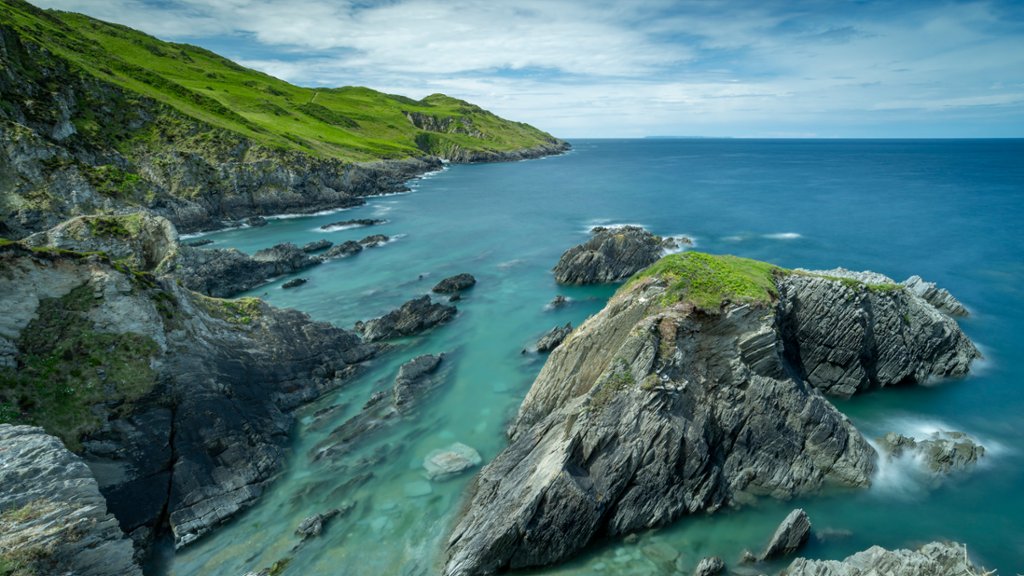
Devon Coast, Mortehoe, UK
Sign in to add this photo to your favorites and desktop wallpaper rotation.
The Devon Coast is a stunning stretch of coastline located in the southwest of England. It is known for its dramatic cliffs, sandy beaches, and picturesque seaside towns. One of the charming villages along the Devon Coast is Mortehoe, which is situated on the rugged north coast of Devon. Mortehoe is a quaint and historic village that offers breathtaking views of the coastline and the surrounding countryside. The village is nestled within the Exmoor National Park, making it a popular destination for hikers and nature enthusiasts. Visitors to Mortehoe can explore its narrow streets lined with traditional cottages and charming shops. The village is also home to a number of historic buildings, including the medieval St. Mary's Church and the Mortehoe Museum, which showcases the area's rich maritime history. One of the highlights of a visit to Mortehoe is the nearby Morte Point, a dramatic headland that offers panoramic views of the coastline. The area is also popular for birdwatching and wildlife spotting, with seals and dolphins often seen in the waters off the coast. Overall, Mortehoe is a peaceful and picturesque destination that offers a true taste of rural Devon charm. Whether you're looking to explore the rugged coastline, relax on the beach, or simply enjoy the village's laid-back atmosphere, Mortehoe is sure to delight visitors of all ages.