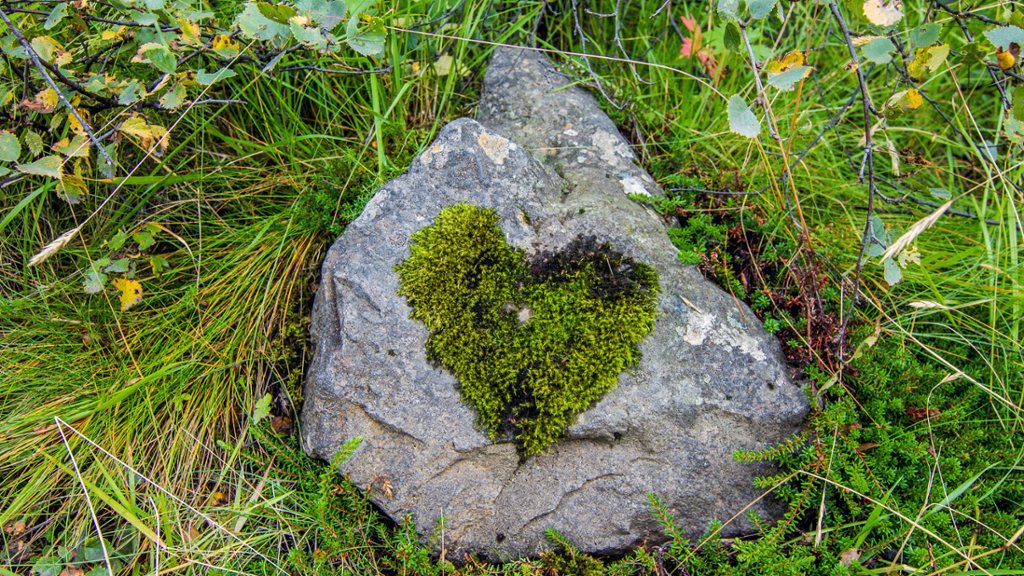
Moss Grown in the Shape of a Heart, Iceland
Sign in to add this photo to your favorites and desktop wallpaper rotation.
Iceland is a Nordic island country located in the North Atlantic Ocean. It is known for its stunning natural landscapes, including geysers, hot springs, volcanoes, and glaciers. The capital city is Reykjavik, which is also the largest city in the country. Iceland has a population of around 360,000 people, making it one of the least populated countries in Europe. The official language is Icelandic, and the currency is the Icelandic krona. Iceland is famous for its geothermal energy production, with nearly 85% of its energy coming from renewable sources. The country is also known for its progressive environmental policies and commitment to sustainability. Tourism is a major industry in Iceland, with visitors coming to explore the country's natural wonders, such as the Blue Lagoon, the Golden Circle, and the Northern Lights. The country is also known for its vibrant arts and culture scene, with a thriving music and literary community. Iceland has a rich history, dating back to the settlement of Norse explorers in the 9th century. The country was ruled by Norway and later Denmark before gaining independence in 1944. Overall, Iceland is a unique and beautiful country with a strong emphasis on nature, sustainability, and cultural heritage.