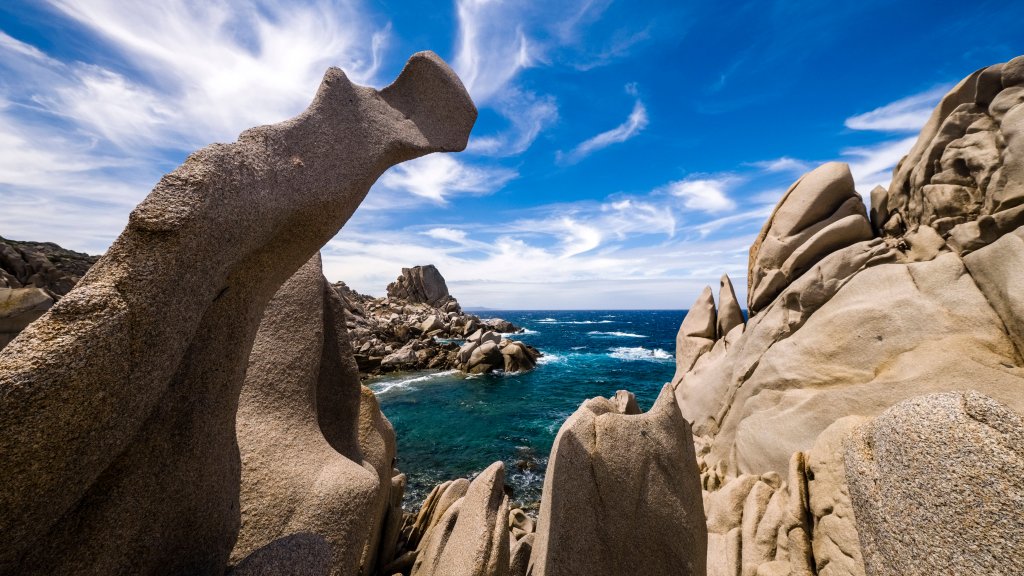
Rock Formations, Capo Testa, Sardinia, Italy
Sign in to add this photo to your favorites and desktop wallpaper rotation.
Rock Formations at Capo Testa in Santa Teresa Gallura, Sardinia, Italy are a unique and stunning natural attraction. Located on the northernmost tip of the island, these rock formations are known for their bizarre shapes and formations, created by centuries of erosion from the wind and sea. The rocky landscape at Capo Testa is made up of granite formations that have been sculpted into a variety of shapes, including arches, caves, and pillars. The most famous rock formation at Capo Testa is the natural arch known as "The Valley of the Moon," a stunning formation that looks like something out of a fairytale. Visitors to Capo Testa can explore the rocky terrain on foot, taking in the breathtaking views of the surrounding coastline and crystal-clear waters. The area is also popular with climbers, who come to test their skills on the challenging rock faces. In addition to its natural beauty, Capo Testa is also home to several ancient archaeological sites, including the Nuraghe La Prisgiona, a prehistoric stone structure dating back to the Bronze Age. Overall, the rock formations at Capo Testa are a must-visit destination for nature lovers, hikers, and anyone looking to experience the unique beauty of Sardinia's rugged coastline.