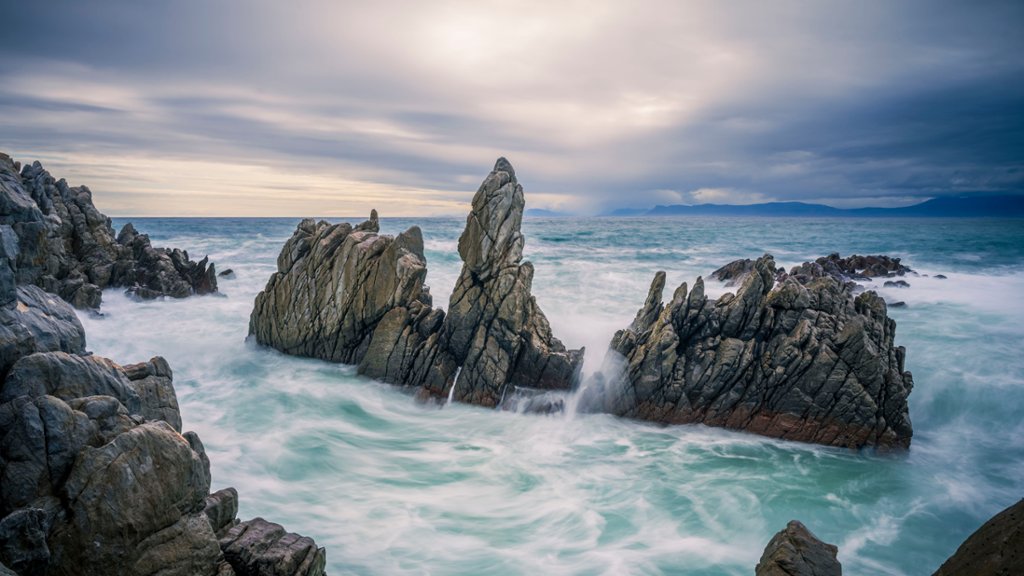
Walker Bay, South Africa
Sign in to add this photo to your favorites and desktop wallpaper rotation.
Walker Bay is a beautiful coastal region located in the Western Cape province of South Africa. It is known for its stunning natural scenery, pristine beaches, and abundant marine life. The area is a popular destination for whale watching, with southern right whales visiting the bay to calve and nurse their young from June to November. The town of Hermanus, located in Walker Bay, is considered one of the best places in the world for land-based whale watching. Visitors can often see whales breaching and playing in the waters just off the coast. In addition to whale watching, Walker Bay offers opportunities for shark cage diving, fishing, hiking, and wine tasting at the nearby Hemel-en-Aarde Valley wine region. The region is also home to the Walker Bay Nature Reserve, a protected area that is home to a diverse range of flora and fauna, including fynbos, bird species, and small mammals. The rugged coastline of Walker Bay is a popular spot for outdoor activities such as hiking, surfing, and kayaking. Overall, Walker Bay is a must-visit destination for nature lovers and outdoor enthusiasts looking to experience the beauty of South Africa's coastline.