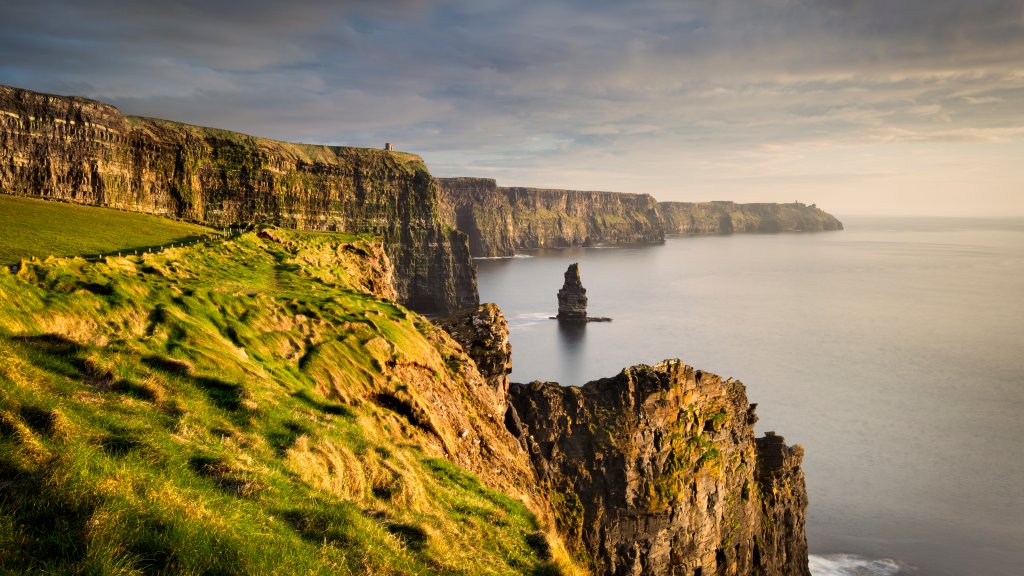
Cliffs of Moher, Doolin, Clare, Ireland
Sign in to add this photo to your favorites and desktop wallpaper rotation.
The Cliffs of Moher are one of Ireland's most famous tourist attractions, located in County Clare on the west coast of Ireland. The cliffs rise to heights of over 700 feet above the Atlantic Ocean and stretch for about 5 miles along the coast. Doolin is a charming village located near the Cliffs of Moher, known for its traditional Irish music, cozy pubs, and stunning views of the Aran Islands. It is a popular starting point for tours to the Cliffs of Moher, as well as a great place to enjoy the natural beauty and hospitality of the Irish countryside. County Clare is a picturesque region in western Ireland, known for its rugged coastline, rolling green hills, and vibrant traditional music scene. In addition to the Cliffs of Moher and Doolin, Clare is home to other popular attractions such as the Burren National Park, the town of Ennis, and the historic Bunratty Castle. Overall, the Cliffs of Moher, Doolin, and County Clare offer visitors a unique opportunity to experience the natural beauty and cultural heritage of Ireland's west coast. Whether you're interested in breathtaking views, lively music sessions, or exploring historic sites, this region has something to offer for everyone.