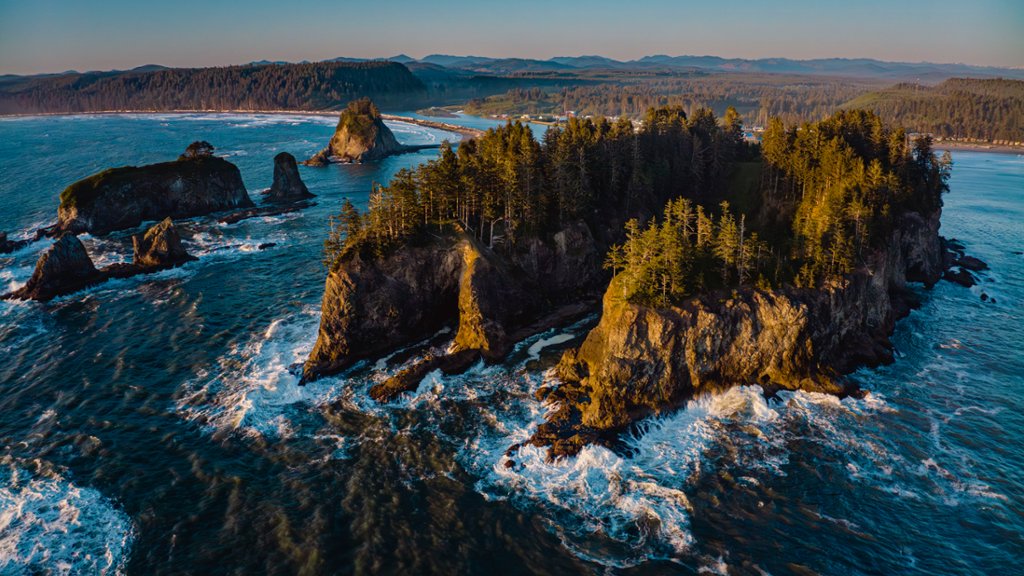
Sea Stacks, Olympic National Park, WA
Sign in to add this photo to your favorites and desktop wallpaper rotation.
Sea stacks are large rock formations that rise up out of the ocean along the coastlines of Olympic National Park in Washington state. These unique geological features were formed by the erosion of the surrounding cliffs and headlands over thousands of years, leaving behind isolated pillars of rock that are often topped with vegetation or nesting seabirds. The sea stacks at Olympic National Park are some of the most iconic and picturesque in the Pacific Northwest, with names like Ruby Beach, Rialto Beach, and Second Beach drawing visitors from around the world to marvel at their beauty. Some of the sea stacks are accessible by foot at low tide, while others can only be seen from a distance or from a boat. The sea stacks provide important habitat for a variety of marine and bird species, and are a popular destination for photographers, hikers, and beachcombers. Visitors to Olympic National Park can explore the sea stacks on foot along the park's rugged coastline, or enjoy stunning views of these natural wonders from overlooks and viewpoints along the park's scenic coastal drives. Overall, the sea stacks of Olympic National Park are a must-see attraction for anyone visiting the Pacific Northwest, offering a glimpse into the dramatic and ever-changing forces of nature that have shaped this stunning coastal landscape.