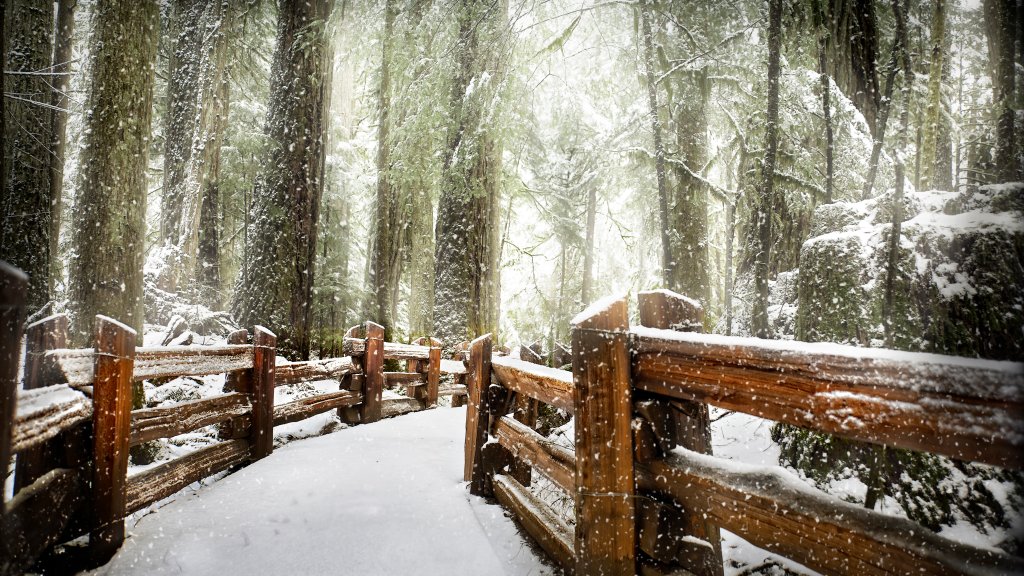
Cathederal Grove Provincial Park, Vancouver Island, Canada
Sign in to add this photo to your favorites and desktop wallpaper rotation.
Cathedral Grove Provincial Park is a renowned natural area located on Vancouver Island in British Columbia, Canada. It is part of MacMillan Provincial Park and is famous for its ancient Douglas fir trees, some of which are more than 800 years old and reach heights of over 75 meters (250 feet). The park offers a unique opportunity to experience a rare and majestic old-growth forest ecosystem. Visitors to Cathedral Grove can explore a network of well-maintained trails that wind through the forest, providing easy access to the towering trees and lush undergrowth. The trails are relatively short and accessible, making them suitable for visitors of all ages and fitness levels. The park is particularly popular among nature enthusiasts, photographers, and those seeking a peaceful retreat in a pristine natural setting. In addition to the Douglas firs, the park is home to a variety of other tree species, including western red cedar, bigleaf maple, and western hemlock. The forest floor is covered with ferns, mosses, and other native plants, creating a vibrant and diverse ecosystem. Cathedral Grove is located near the town of Port Alberni and is easily accessible by car via Highway 4, which connects the east and west coasts of Vancouver Island. The park is open year-round, although the best time to visit is during the spring and summer months when the weather is mild and the forest is lush and green. While visiting Cathedral Grove, it's important to respect the natural environment by staying on designated trails and following park guidelines to help preserve this unique and fragile ecosystem for future generations.