Dal River, Sweden
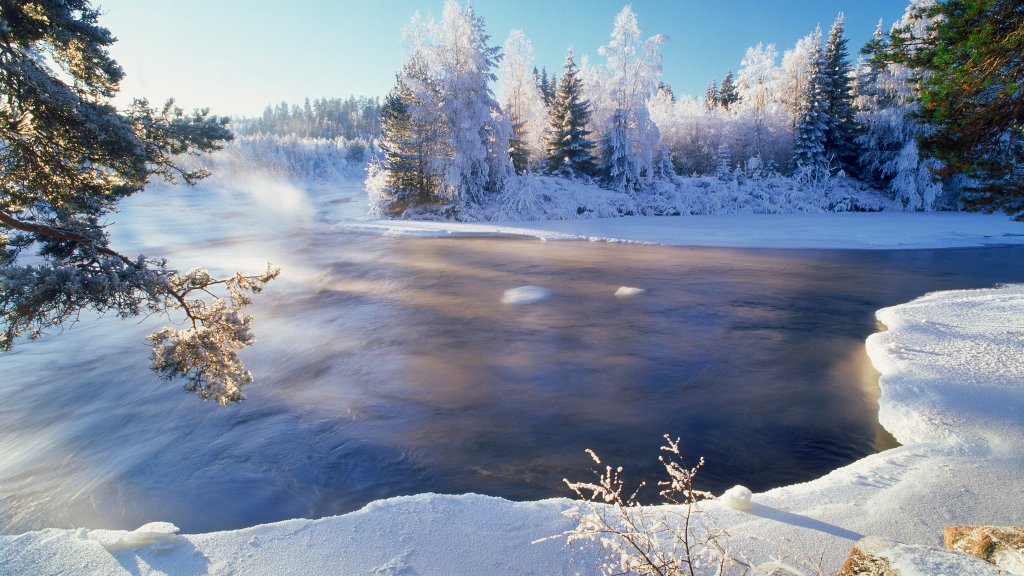
Sign in to add this photo to your favorites and desktop wallpaper rotation.
The Dal River, known as Dalälven in Swedish, is a significant river in central Sweden. It originates from the confluence of two rivers, Österdalälven and Västerdalälven, in the Dalarna region. The river flows southeast for approximately 520 kilometers before emptying into the Gulf of Bothnia near the town of Gävle. The Dal River has played an important role in Sweden's history and development. It has been used for transportation, particularly during the timber floating era, where logs were transported down the river to sawmills and ports. Today, the river is a popular destination for outdoor activities such as fishing, canoeing, and hiking, attracting both locals and tourists. The river basin is characterized by diverse landscapes, including forests, lakes, and agricultural areas. It supports a rich biodiversity, with various fish species like pike, perch, and salmon, making it a favored spot for anglers. The surrounding region is also home to several nature reserves and parks, providing opportunities for wildlife observation and nature exploration. In terms of hydroelectric power, the Dal River is harnessed at several points along its course, contributing to Sweden's renewable energy production. The river's flow is regulated through a series of dams and power stations, balancing the needs of energy production with environmental conservation. Overall, the Dal River is an integral part of Sweden's natural and cultural heritage, offering both economic benefits and recreational opportunities while supporting a diverse ecosystem.