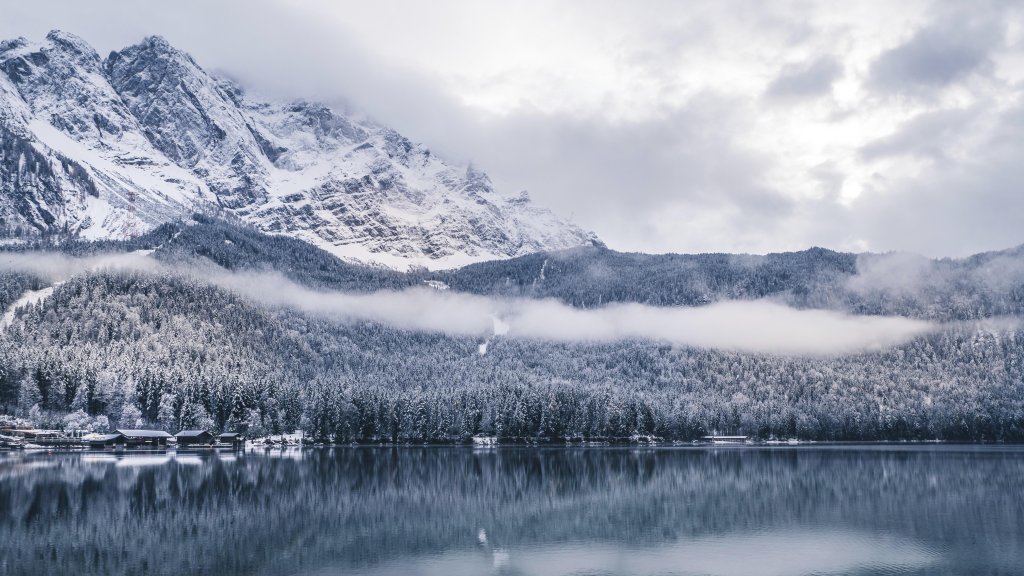
Lake Eibsee, Zugspitze, Germany
Sign in to add this photo to your favorites and desktop wallpaper rotation.
Lake Eibsee is a stunning alpine lake located at the base of the Zugspitze, Germany's highest peak, in the Bavarian Alps. Situated near the town of Garmisch-Partenkirchen, the lake is renowned for its crystal-clear waters and breathtaking mountain scenery. The lake covers an area of about 177 hectares and is surrounded by dense forests and rugged terrain, making it a popular destination for outdoor enthusiasts. Visitors to Lake Eibsee can enjoy a variety of recreational activities, including hiking, swimming, and boating. There is a well-maintained walking trail that circles the lake, offering picturesque views and opportunities for photography. In the summer, the lake's clear waters are perfect for swimming and paddleboarding, while in the winter, the area becomes a hub for skiing and snowboarding, with the nearby Zugspitze offering excellent slopes. The Zugspitze itself is a major attraction, standing at 2,962 meters (9,718 feet) and offering panoramic views of the surrounding Alps. Visitors can reach the summit via a cogwheel train or cable car, both of which provide a scenic journey through the mountains. Lake Eibsee's natural beauty and tranquil atmosphere make it a popular spot for both locals and tourists seeking a peaceful retreat in nature. Its proximity to Munich, about an hour and a half drive away, makes it an accessible day trip for those looking to explore the Bavarian Alps.