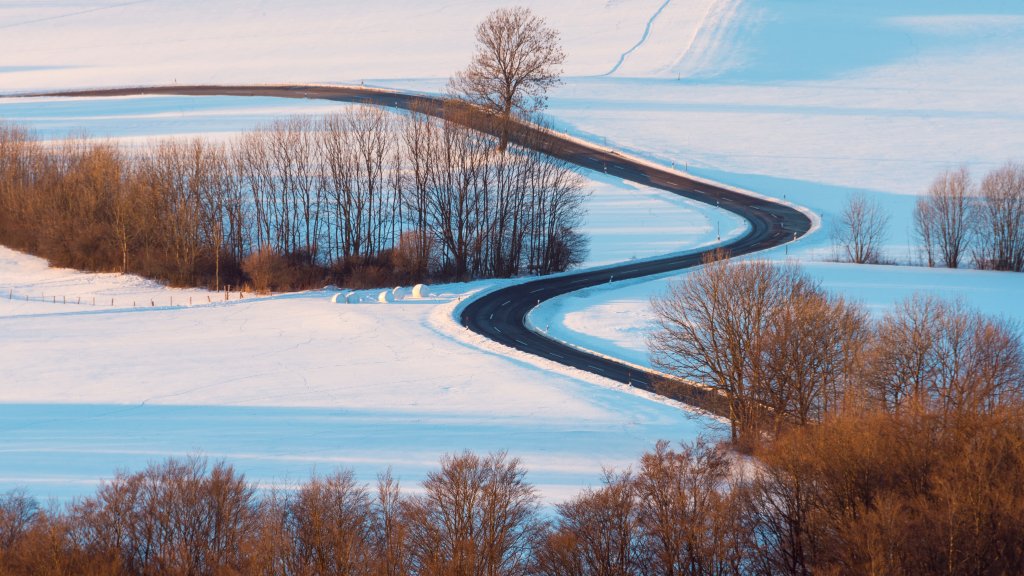
Rhoen Mountain, Hesse, Germany
Sign in to add this photo to your favorites and desktop wallpaper rotation.
The Rhön Mountains are a picturesque mountain range located in central Germany, primarily spanning the states of Hesse, Bavaria, and Thuringia. In Hesse, the Rhön is known for its scenic landscapes, diverse flora and fauna, and outdoor recreational opportunities. The region is characterized by its rolling hills, open meadows, and dense forests, making it a popular destination for hiking, cycling, and nature enthusiasts. One of the highlights of the Rhön in Hesse is the Wasserkuppe, the highest peak in the range, standing at 950 meters (3,117 feet) above sea level. The Wasserkuppe is renowned for its aviation history, particularly in gliding, and it houses a gliding museum. It also offers panoramic views of the surrounding landscape and is a hub for various outdoor activities, including paragliding and skiing in the winter months. The Rhön is recognized as a UNESCO Biosphere Reserve, emphasizing the region's commitment to sustainable development and conservation. This designation helps protect its unique ecosystems and promotes the harmonious coexistence of human activity and nature. The area is also rich in cultural heritage, with charming villages, historic sites, and traditional festivals that reflect the local customs and traditions. Visitors can explore medieval castles, ancient churches, and enjoy regional cuisine that often features locally sourced ingredients. Overall, the Rhön Mountains in Hesse offer a blend of natural beauty, outdoor adventure, and cultural experiences, making it a worthwhile destination for travelers seeking both relaxation and exploration.