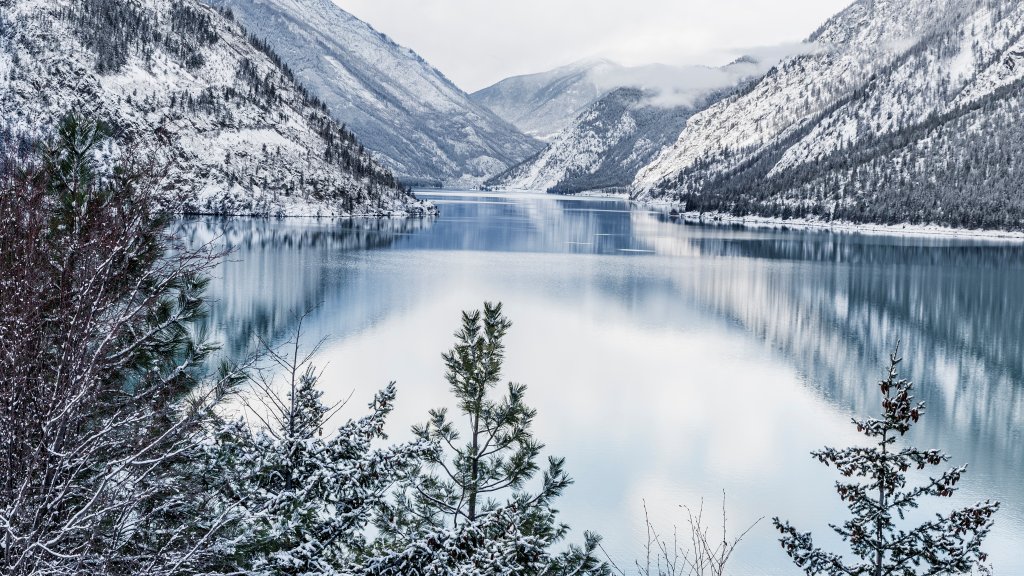
Seton Lake, BC, Canada
Sign in to add this photo to your favorites and desktop wallpaper rotation.
Seton Lake is a picturesque freshwater fjord-like lake located in the southwestern part of British Columbia, Canada. It is situated near the town of Lillooet, which is approximately 325 kilometers northeast of Vancouver. The lake is part of the Fraser River drainage basin and is fed by the Seton River, which flows from the nearby Seton Glacier. Seton Lake is known for its stunning turquoise waters, which are a result of glacial silt suspended in the water. The lake is surrounded by rugged mountains and dense forests, making it a popular destination for outdoor enthusiasts. Activities such as fishing, boating, kayaking, and swimming are common on the lake. The surrounding area offers numerous hiking trails, providing opportunities to explore the natural beauty and wildlife of the region. The lake is also notable for its role in hydroelectric power generation. The Seton Dam, located at the eastern end of the lake, diverts water to the Seton Powerhouse, which is part of the Bridge River Power Project. This project is one of the largest hydroelectric developments in British Columbia. Seton Lake's scenic beauty and recreational opportunities make it a popular spot for both locals and tourists seeking a peaceful retreat in nature. The nearby town of Lillooet offers amenities and serves as a gateway for exploring the surrounding wilderness.