Upper Bavaria, Germany
Sign in to add this photo to your favorites and desktop wallpaper rotation.
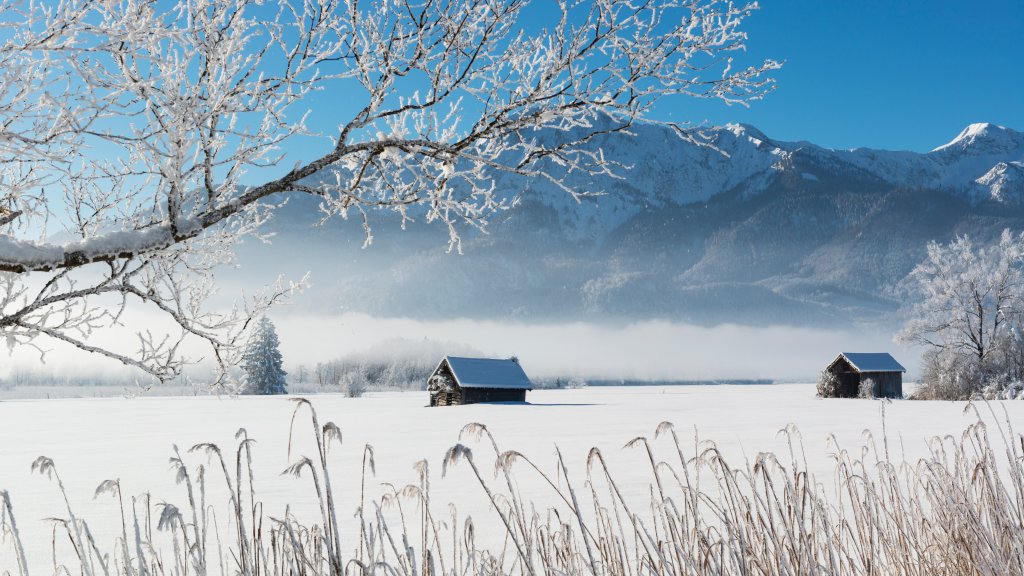
Upper Bavaria, known as "Oberbayern" in German, is one of the seven administrative regions of Bavaria, located in the southeastern part of Germany. It is renowned for its stunning landscapes, rich cultural heritage, and vibrant cities. The region is bordered by Austria to the south and is characterized by its picturesque Alpine scenery, rolling hills, and numerous lakes. The capital of Upper Bavaria is Munich (München), which is also the largest city in the region and the third-largest city in Germany. Munich is a major cultural and economic hub, famous for its historic architecture, museums, and the annual Oktoberfest celebration, which attracts millions of visitors from around the world. Upper Bavaria is known for its traditional Bavarian culture, which includes folk music, dance, and cuisine. The region is famous for its hearty dishes such as pretzels, sausages, and schnitzels, often enjoyed with locally brewed beers. The region is also home to several notable attractions, including the fairy-tale Neuschwanstein Castle, the scenic Lake Chiemsee, and the Berchtesgaden National Park, which offers a range of outdoor activities such as hiking and skiing. Upper Bavaria's economy is diverse, with strong industries in automotive manufacturing, engineering, and technology. The region is also a center for research and innovation, with several universities and research institutions. Overall, Upper Bavaria is a region that combines natural beauty with cultural richness, making it a popular destination for tourists and a vibrant place to live and work.