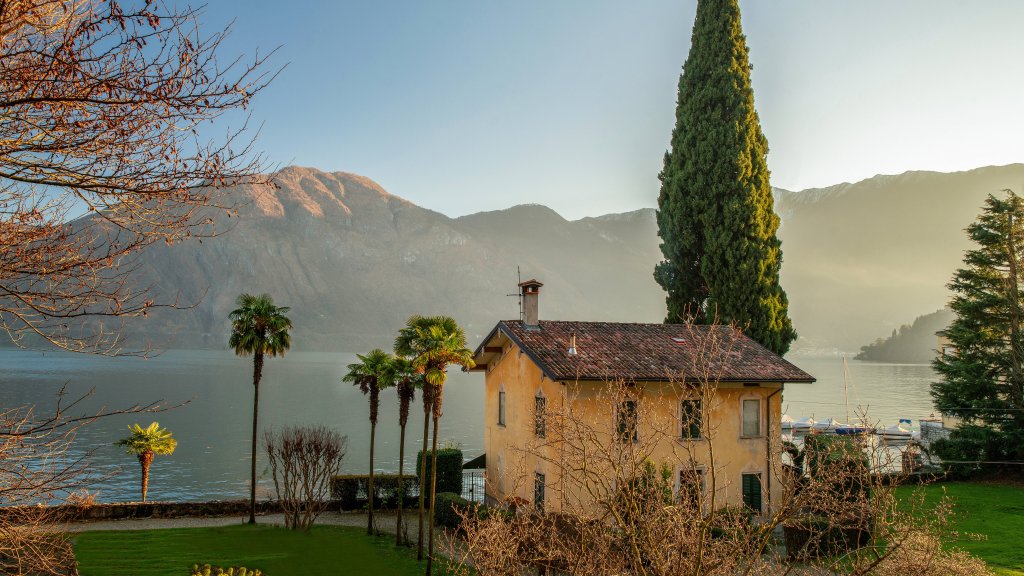
Villa, Lake Como, Italy
Sign in to add this photo to your favorites and desktop wallpaper rotation.
Lake Como, located in the Lombardy region of northern Italy, is one of the country's most picturesque and renowned lakes. It is shaped like an inverted Y, with three distinct branches converging at the town of Bellagio. The lake is surrounded by lush hills and mountains, offering stunning natural beauty and a serene atmosphere. Lake Como is known for its charming villages, elegant villas, and beautiful gardens. Some of the most famous towns along the lake include Como, Bellagio, Varenna, and Menaggio. Each of these towns has its own unique character and attractions, from historic architecture to quaint cobblestone streets. The area has long been a popular retreat for the wealthy and famous, with many celebrities owning villas along the lake's shores. The luxurious Villa d'Este and Villa Carlotta are among the most notable, both offering exquisite gardens and historical significance. Visitors to Lake Como can enjoy a variety of activities, including boating, hiking, and exploring the local culture and cuisine. The lake's clear waters are ideal for swimming and water sports, while the surrounding hills provide excellent opportunities for hiking and enjoying panoramic views. The region's cuisine is influenced by both Italian and Swiss traditions, featuring dishes such as risotto, polenta, and fresh fish from the lake. Local wines and cheeses also add to the culinary experience. Overall, Lake Como is a destination that combines natural beauty, cultural richness, and a touch of luxury, making it a favorite spot for tourists seeking relaxation and inspiration.